
The CRM to control every stage of the real estate closing
Ahead Legal brings together files, documents, tasks, participants, payments, and reports in a single platform. Anticipate issues, reduce manual work, and give your team a clearer way to manage every closing.
Connected parties, documents, payments, and tasks.
Closings are delayed when data is scattered
Ahead Legal is designed to detect those signals early and turn them into tasks, documents, and visible tracking for the team.
Editable Word templates that generate documents from the case file
Ahead Legal turns data captured in the CRM into legal documents ready for review, using Sablon templates that your team can edit.
Word-editable
The team can maintain their legal formats in familiar Microsoft Word templates, without relying on rigid layouts.
Data connected to the file
Fields for clients, vendors, property, payments, and responsible parties are inserted automatically to reduce repetitive data entry.
Controlled regeneration
After editing and validating the file, documents can be regenerated to reflect the updated information.
Selective email sending
Select documents generated in Spanish or bilingual versions and share them with clients via email directly from the file.
Everything your team needs to manage closings with less friction
Every feature is designed for the real-world work of real estate attorneys, agents, developers, and administrative teams.
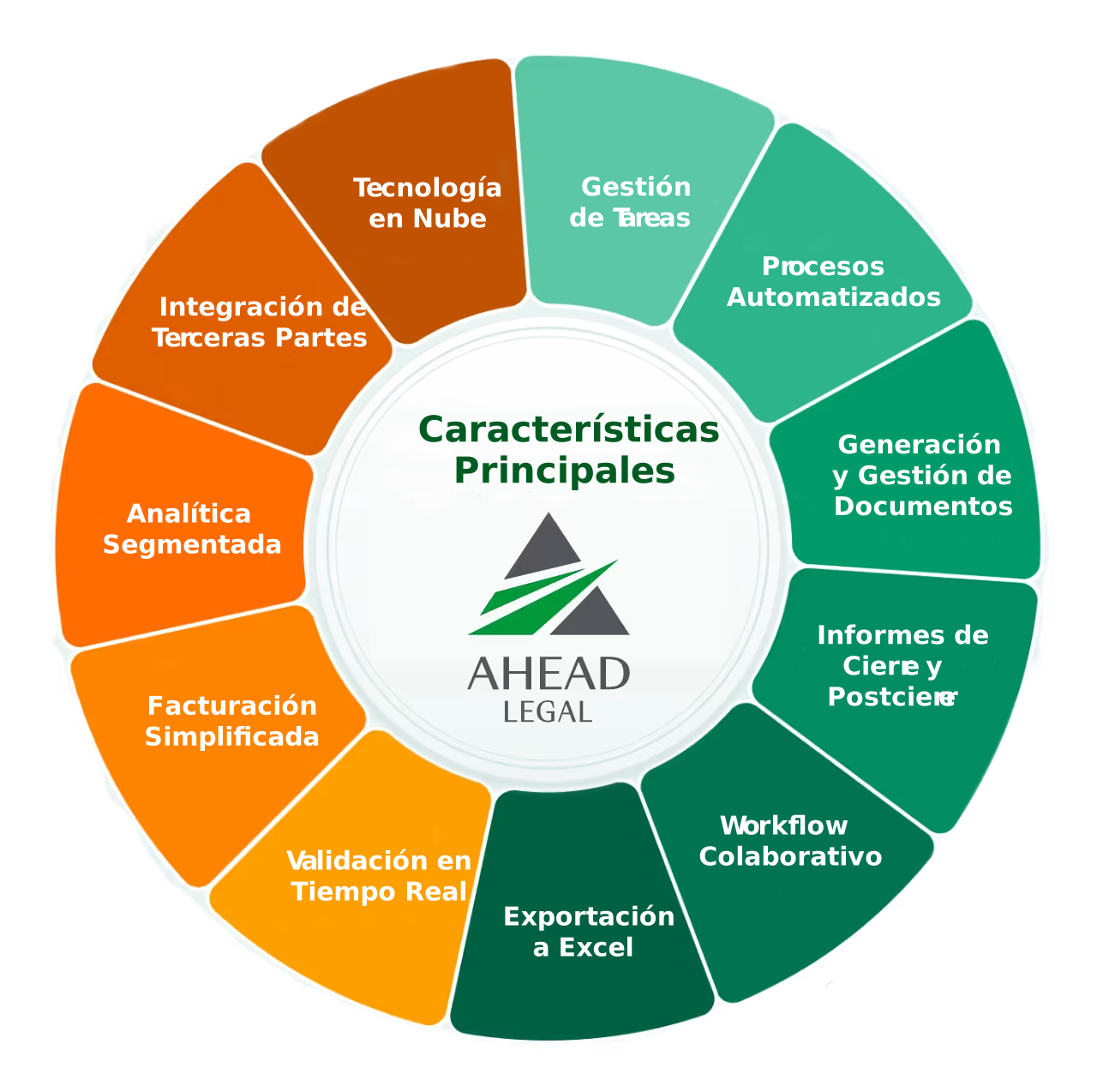
Centralized file
Bring together parties, property, associates, documents, payments, dates, and closing status in a single view.
Tasks by stage
Organize pending items and assign responsibilities so the team knows what comes next and what could delay the closing.
Editable Sablon templates
Generate legal documents from dynamic Word templates populated by the information captured in the file.
Automated notifications
Send instructions and key updates to participants such as notaries, banks, appraisers, and clients.
Data validation
Reduce operational errors by standardizing key information before using it in documents and reports.
Payments and billing
Track amounts, receipts, payment applications, and financial data related to the operation.
Reporting and export
Check progress, activity, and operational data to analyze closings, identify bottlenecks, and export to Excel.
Role-based security
Control who can view, edit, and track information based on their role within the operation.
From the first data point to the final closing, without losing context
Ahead Legal connects administrative, legal, and commercial work so that every participant moves forward with clear information.
Ahead Legal adapts to every professional
Check out the specific features for the role that best matches your operation.
Born at the closing table, not a generic CRM
Ahead Legal was created from the daily operations of Title Solutions de México and tested in over 2,000 closings.
What changes in your day-to-day
Your team stops chasing information and starts managing the closing from a single shared source.
More organized closings, better-coordinated teams, and better-informed clients
The sale doesn't end when a contract is signed. Closing requires operations, communication, and control. Ahead Legal ensures that this stage doesn't rely on memory, loose sheets of paper, or lost messages.
See how Ahead Legal can streamline your closings
Book a demo and see how the platform can adapt to your legal, sales, or operations team's workflow.
